How Can We Help You?

Payu|What is PAYU?
PayU provides payment technology to process 3D secure Visa and Master card payments on the Sportsmans Warehouse website.
How does PAYU work?
Once you selected to pay for your order with Card via PAYU, the following screen will appear:
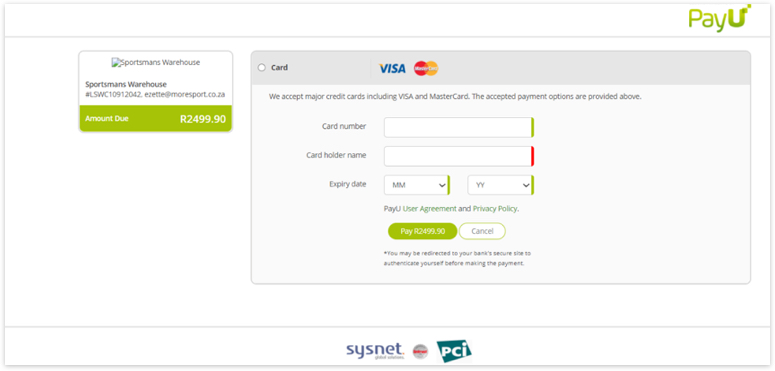
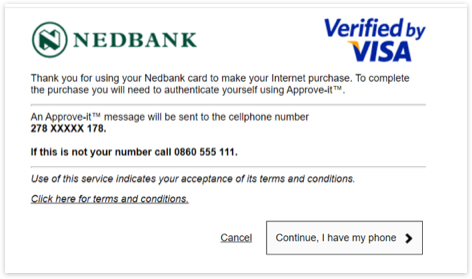
Once you've entered your card details, the system will prompt you to enter a OTP (One Time Pin) or approve the transaction on your phone (dependent on your bank).
Ozow|What is Ozow?
Ozow is the easy, automated EFT solution that can be done in seconds while staying Ozow secure.
How does Ozow work?
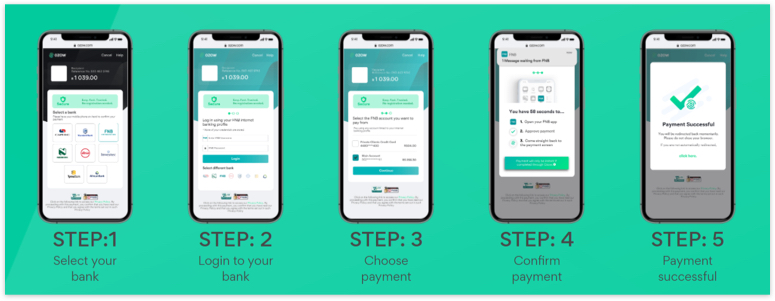
Once you selected to pay your order with Ozow, you will be taken to the first screen on the left below; from which point you will follow the prompts to complete payment via your internet banking account:
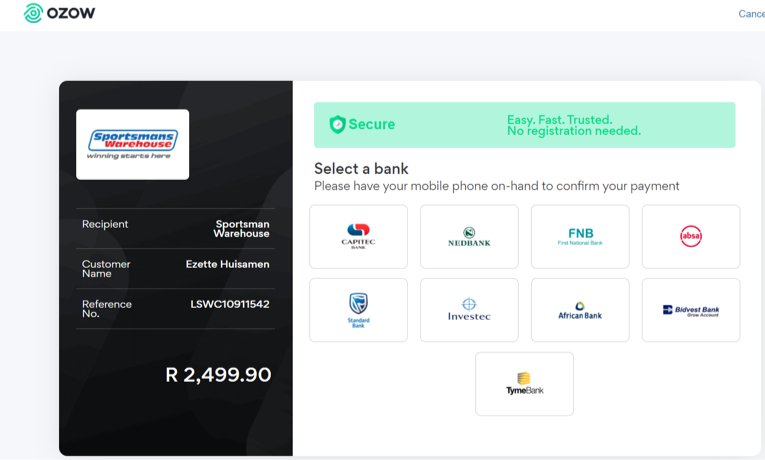
Select your bank and follow the prompts below:
Discovery Miles | What is Discovery Miles?
On the 15th of every month, for 24 hours only (from 00:00 to 23:59), Discovery Bank is doubling your Discovery Miles discount when spending Discovery Miles in-store and online at Discovery Miles retail partners. Discovery Bank primary account holders who have a Discovery Bank Transaction Account, Discovery Bank Card Account or Discovery Bank Suite and have an active Vitality Money status, can now get up to 30% off at our Discovery Miles in-store and online retail partners on Miles D-Day. Members need to make sure that they have downloaded the latest version of the Discovery Bank app to get the discount.
How does Discovery Miles work?
Once you selected to pay your order with Discovery Miles, you will be taken to Discovery log in screen below:
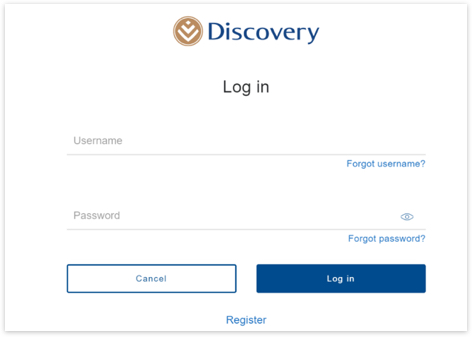
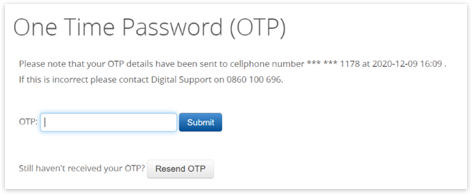
Once you've entered your log in details, the system will prompt you an OTP
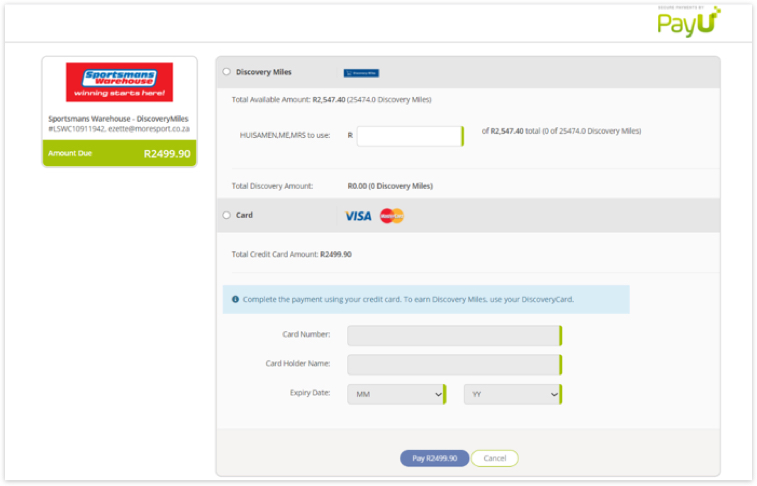
Once you've entered your OTP, you will be directed to the screen below where you can select the amount of Discovery Miles you want to use, and then the balance can be paid from your normal credit card.
How does installation products work?
- Check our list of qualifying postal codes for installation products here
- Once you’ve paid for an installation, one of our representatives from our Sportsmans Service Centre will contact you to arrange a date and time for your installation
- If you have any queries regarding your installation, please get in touch with our Customer Care team - email customercare@sportsmanswarehouse.co.za or call us on 0800 007 030
Payflex | What is Payflex?

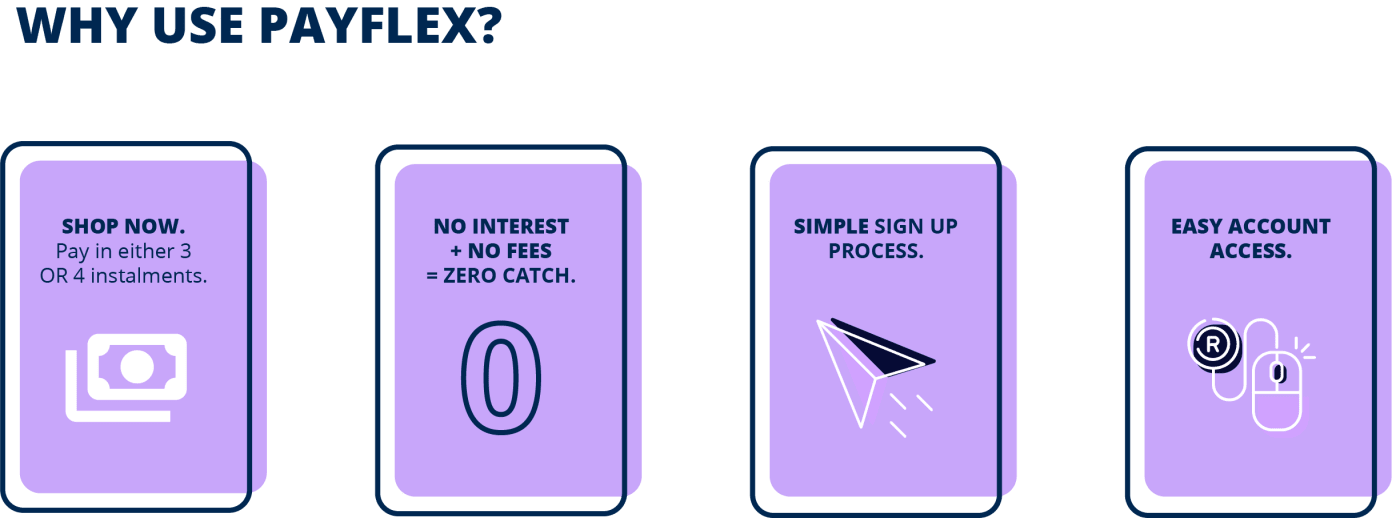
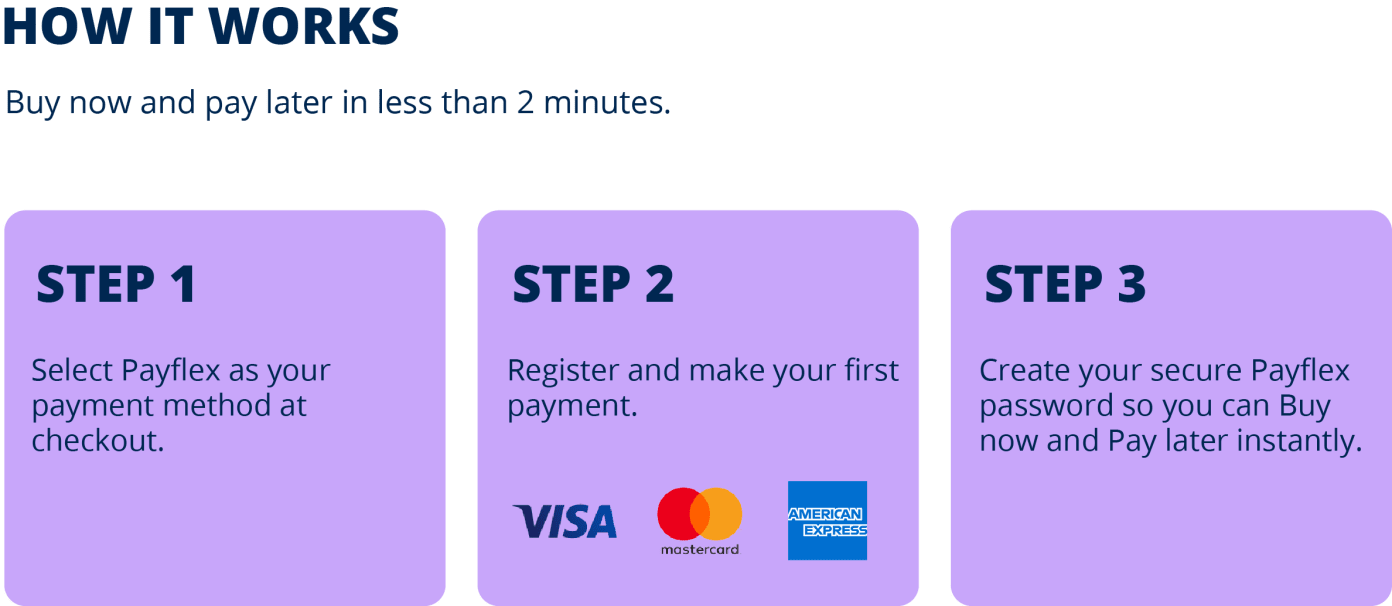

How does Payflex work?
Follow the below 4 easy steps to successfully purchase with Payflex:
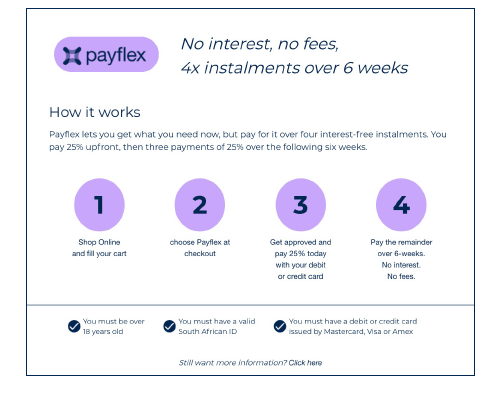
Step 1: Shop our site for the product you want
Step 2: Choose Payflex at checkout

Step 3: Get approved and pay 25% with your debit or credit card
For New Payflex Users

For Existing Payflex Users
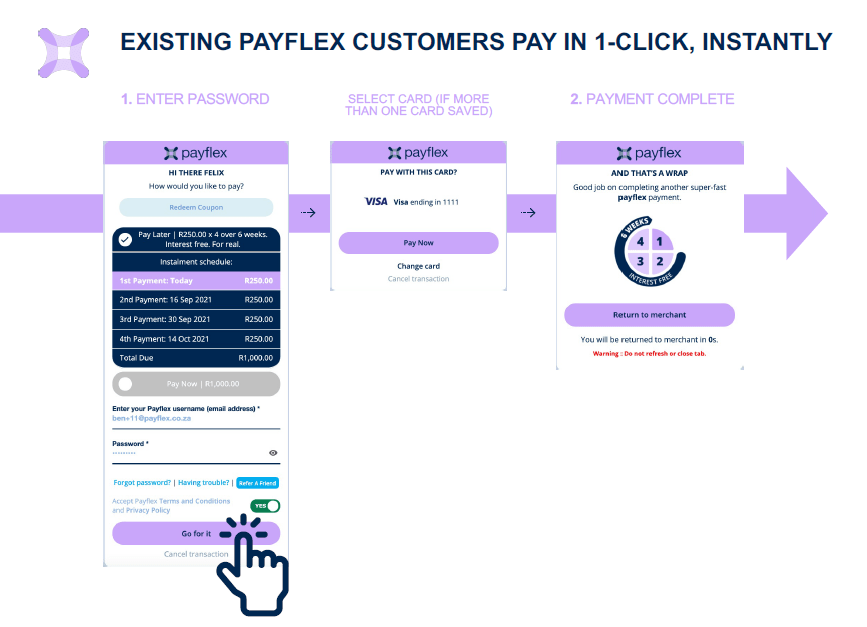

How does coupon redmeption work on Payflex?

PayJustNow | What is PayJustNow?
PayJustNow offers you 3 equal interest-free installments. It’s that easy, no additional fees when you pay on time, interest free and zero strings.
How does PayJustNow work?
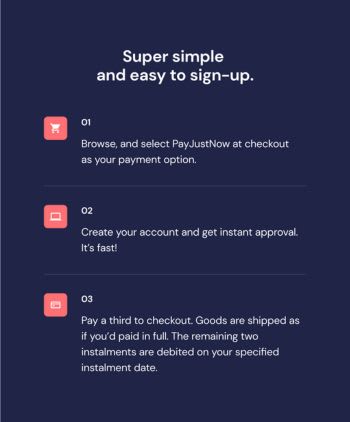
Follow the below 3 easy steps to successfully purchase with PayJustNow: